0%
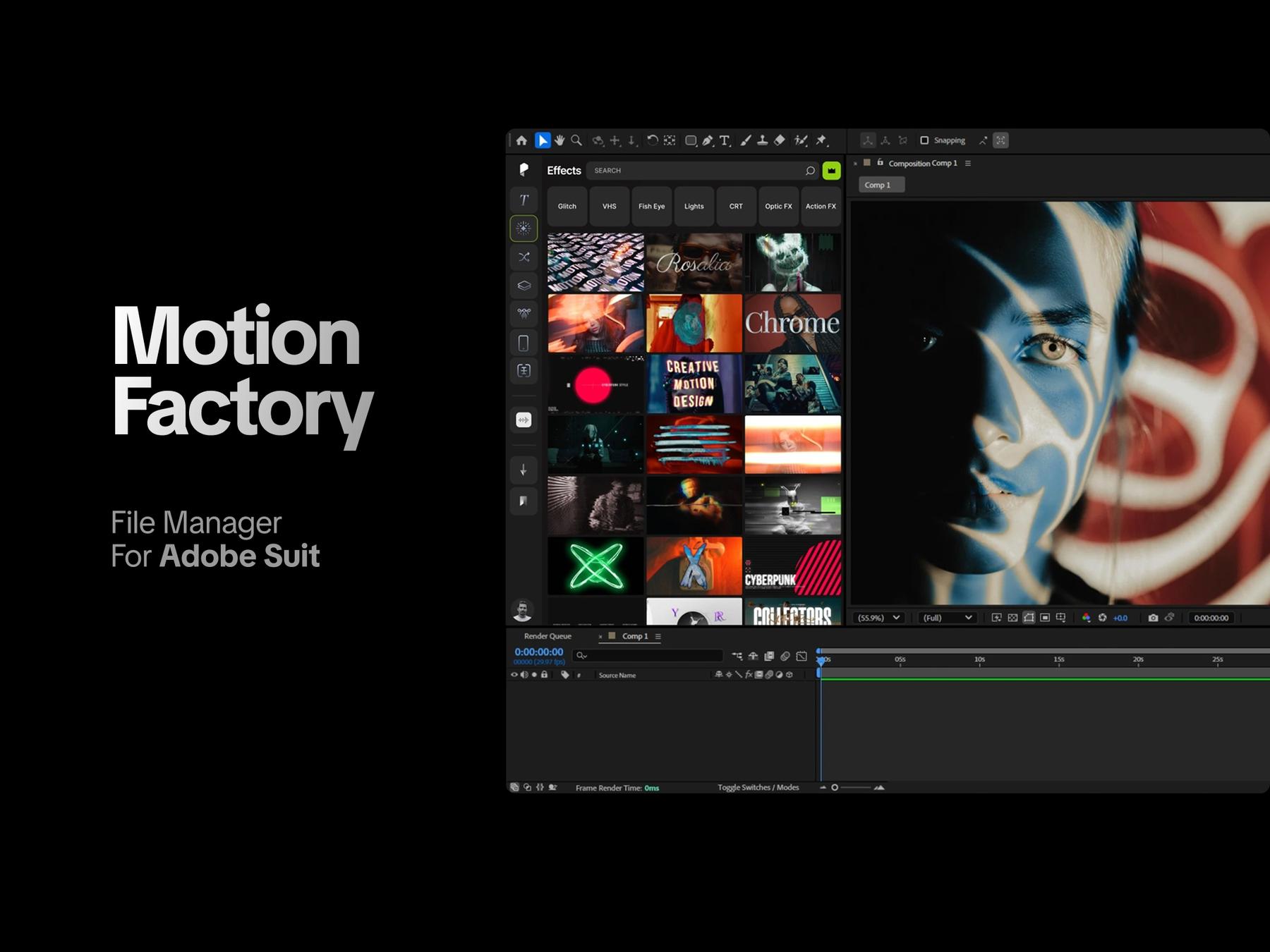
The Project panel is one of the most frequently used parts of After Effects and Premiere Pro, but it becomes increasingly difficult to manage as projects grow. Creators often work with hundreds of files, compositions, layers, and assets, while the default workflow relies heavily on file names, folders, and limited thumbnails. This creates unnecessary friction. Users spend time opening files just to understand what they contain, navigating deeply nested folders, and repeatedly switching between tools. The opportunity was to create a more visual, informative, and efficient asset-management experience without interrupting the creative workflow.
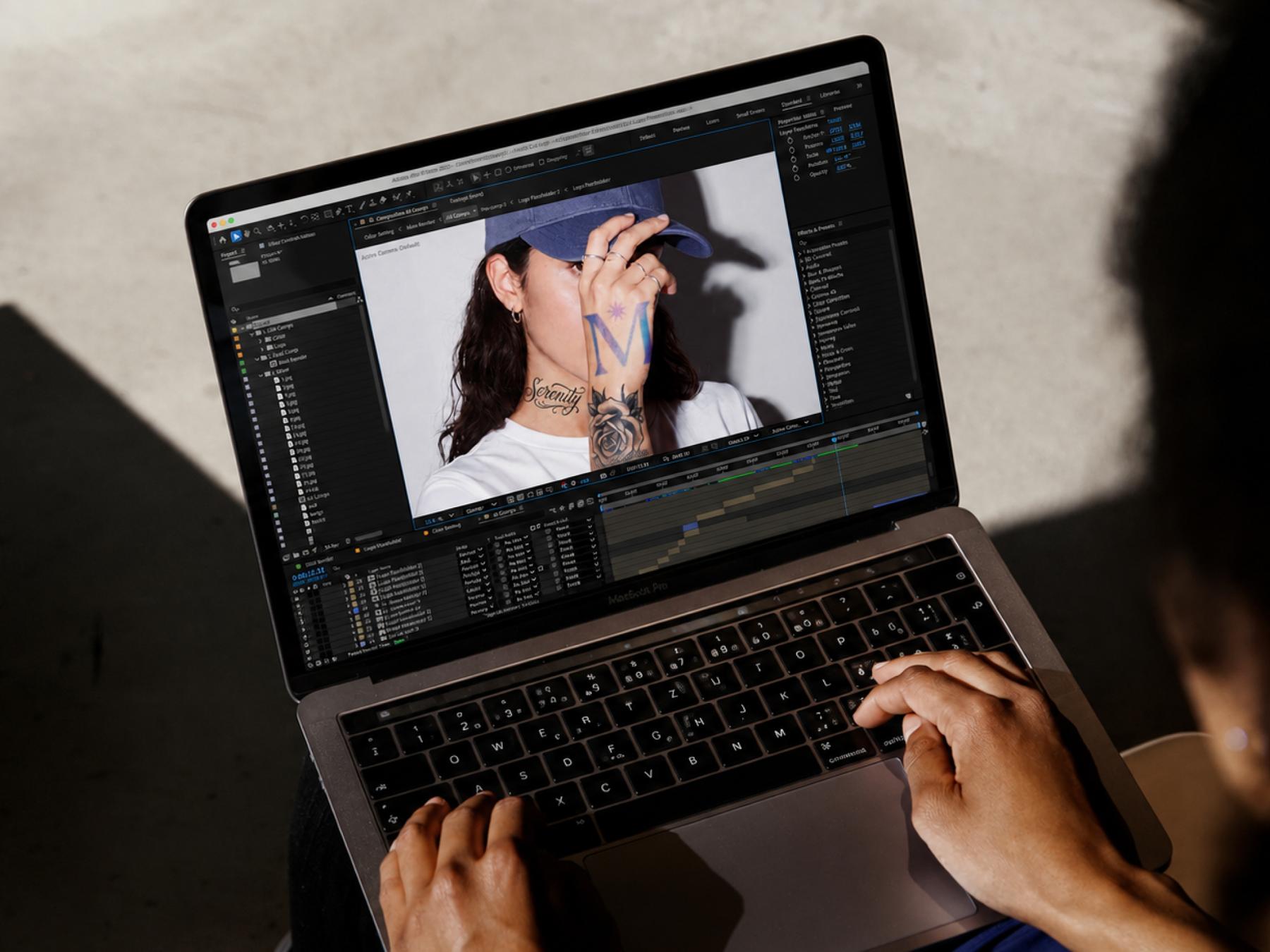
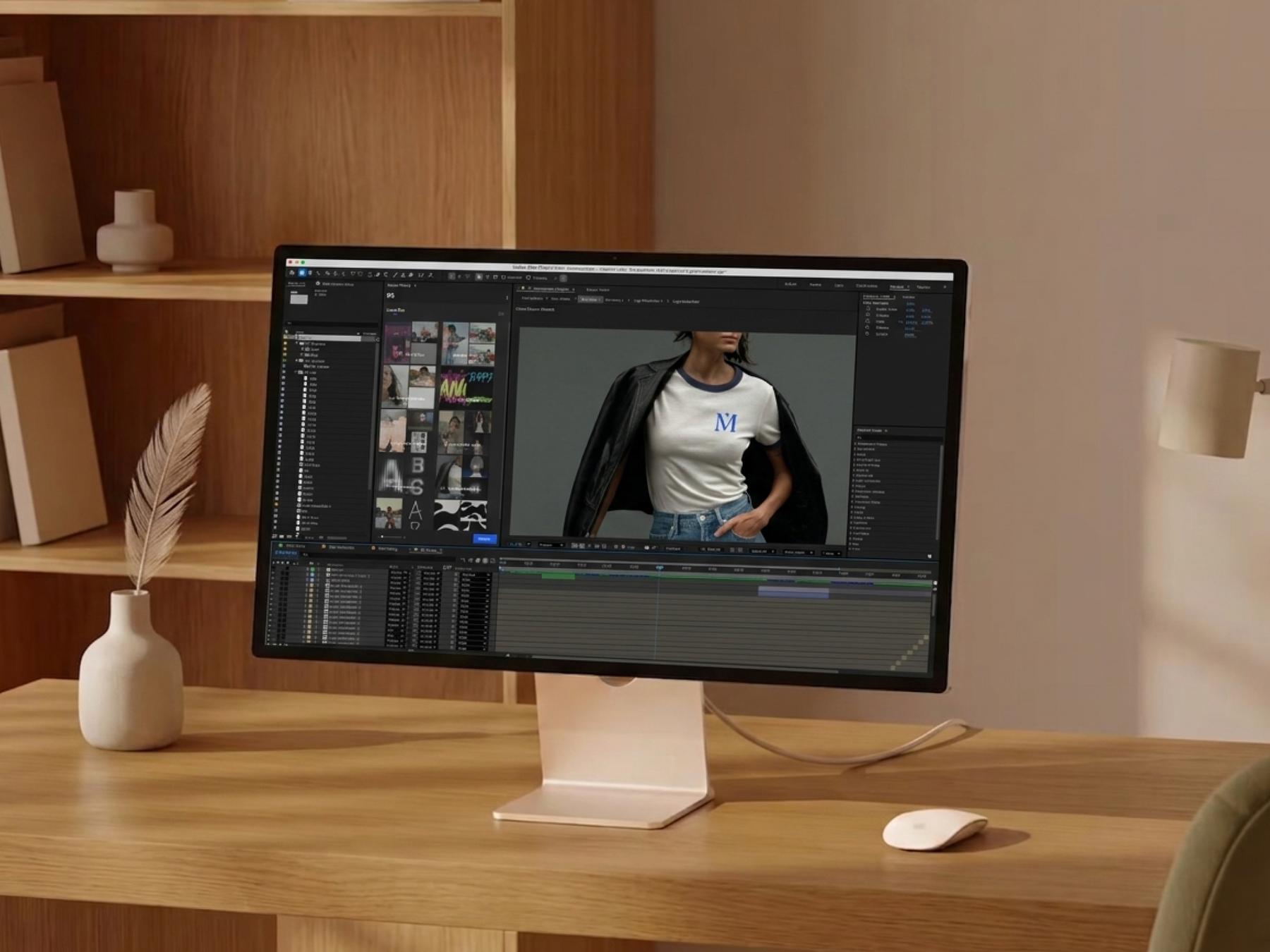
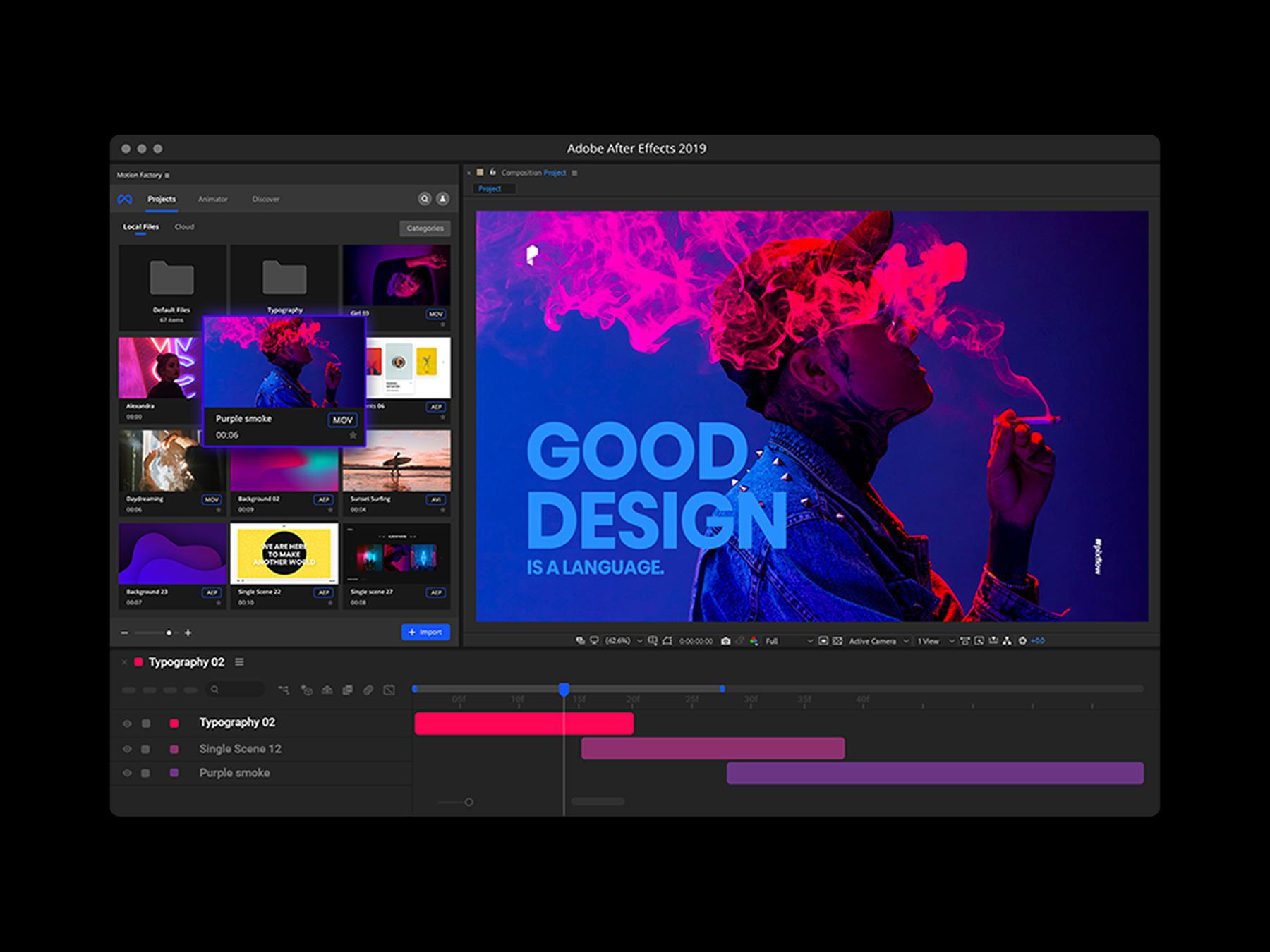
We identified three core activities that are part of almost every video creator’s workflow: Import. Manage. Create. Instead of treating them as separate tasks, Motion Factory brings them together in one toolkit. Users can import external assets, organize and browse their libraries, preview content instantly, and create or use new elements without constantly moving between panels and applications. This became the foundation of the product architecture and feature set.
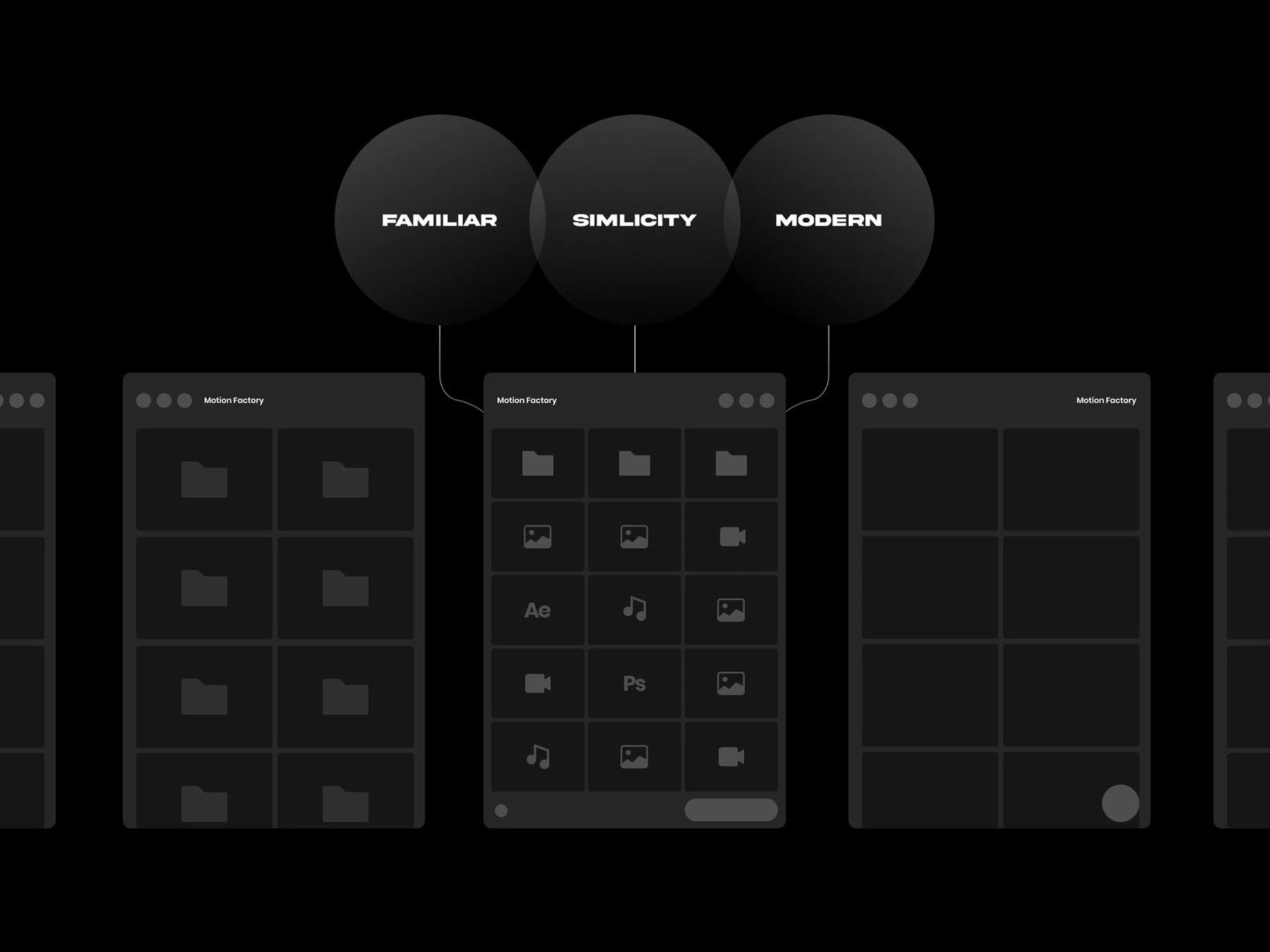
A major challenge was introducing a more capable experience without making the tool feel unfamiliar. After Effects and Premiere Pro users already have strong habits and established workflows, so the product needed to feel like a natural extension of Adobe rather than a completely new environment. The interface was designed around simplicity, familiarity, and visual discovery. Existing interaction patterns were preserved where possible, while previews, asset information, and faster navigation were introduced to reduce friction. The result was a clean and modern panel that users could understand quickly while still feeling at home inside the Adobe ecosystem.
Motion Factory became a unified workspace for browsing and using creative assets directly inside After Effects and Premiere Pro. Key improvements included visual asset browsing, hover previews, drag-and-drop workflows, support for multiple file formats, organized libraries, and direct access to motion templates and creative tools. Instead of interrupting the editing process to search through folders or external applications, creators could stay focused on their project and access what they needed from one place. Result & Impact: Motion Factory transformed a fragmented asset-management workflow into a more visual, centralized, and efficient experience. By reducing the number of steps required to find, preview, and use assets, the product helped creators spend less time managing files and more time creating. The product ultimately reached a large creative audience and became one of Pixflow’s most widely used tools, demonstrating that a relatively simple UX improvement around everyday workflows could create significant value for professional video creators.
The most important lesson from Motion Factory was that improving a professional tool is not always about introducing more functionality. The biggest opportunity was in removing friction from actions users already perform every day. By understanding existing behaviors, respecting familiar workflows, and improving the way information and assets were presented, we were able to create a product that felt both new and immediately understandable. +300K Downloads + Adobe Exchange Top Product


